See who asked, and who bought
Every item shows who added it. Once it's in the basket you see who bought it, and when. No more two cartons of milk.
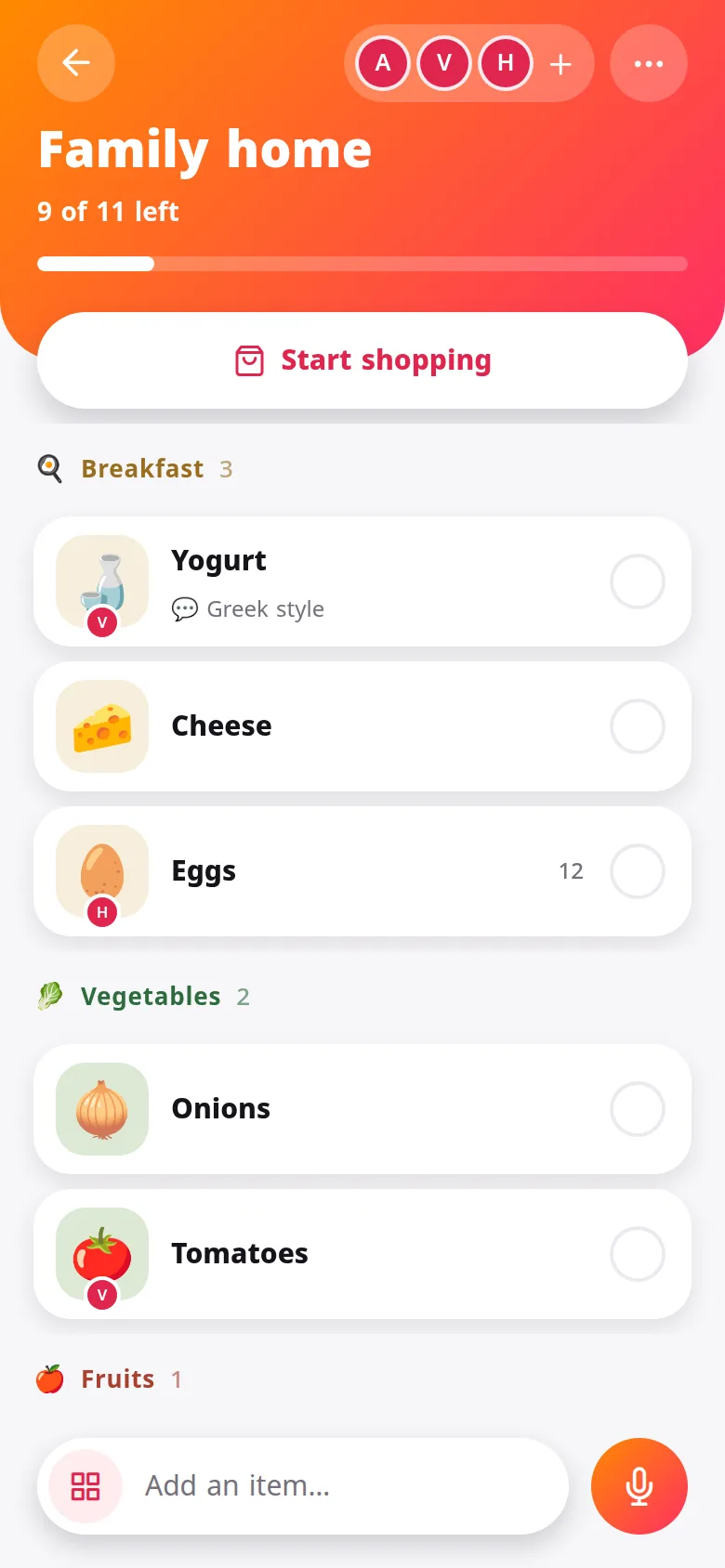
Everyone adds what the house needs. Whoever is at the shop sees it live, and ticks it off.
Download on Google PlayFree to download, in Kurdish, Arabic, English and five more languages.
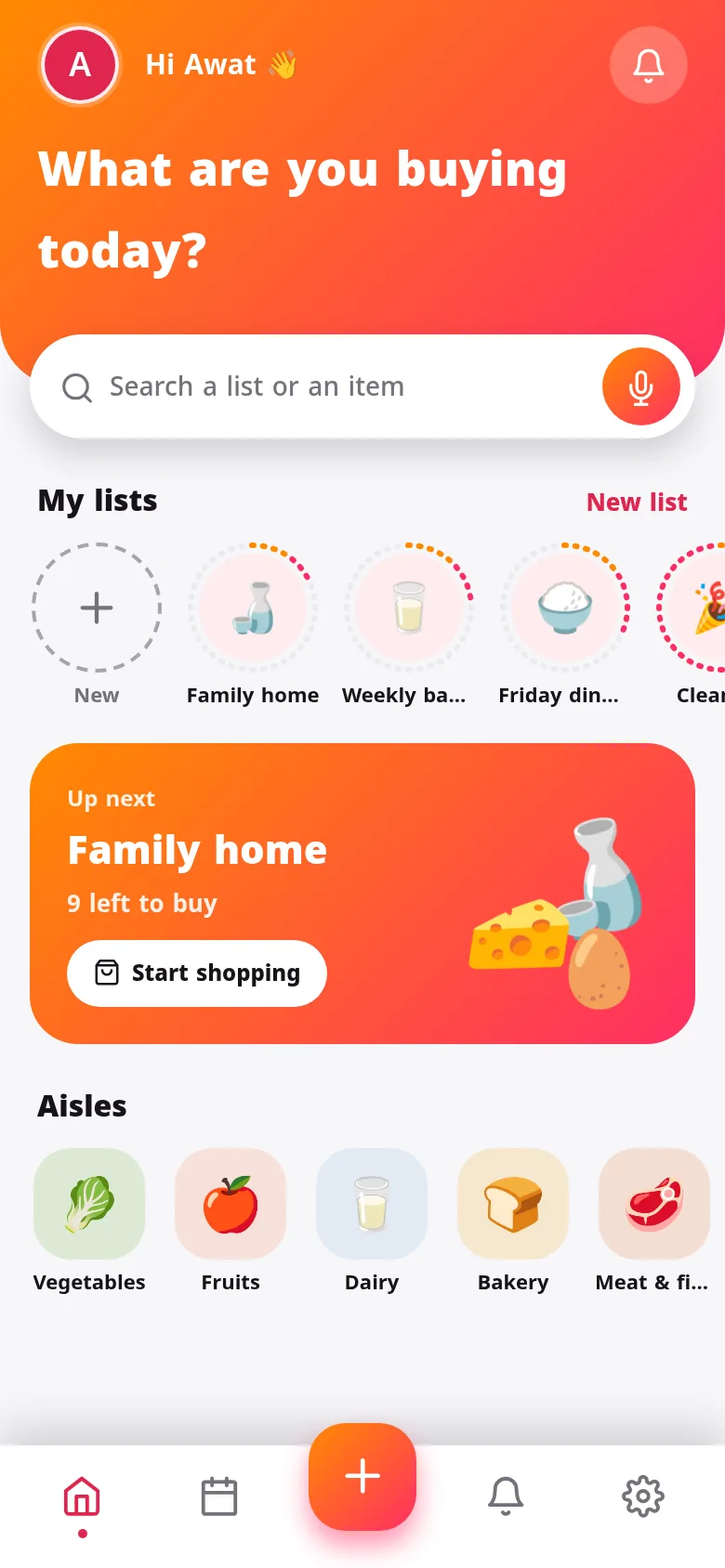
Add by typing, by tapping a shelf, or just by saying it.
One message on WhatsApp or Telegram. They join with a tap.
Whoever goes to the shop sees the latest list, and everyone sees what's bought.
Every item shows who added it. Once it's in the basket you see who bought it, and when. No more two cartons of milk.
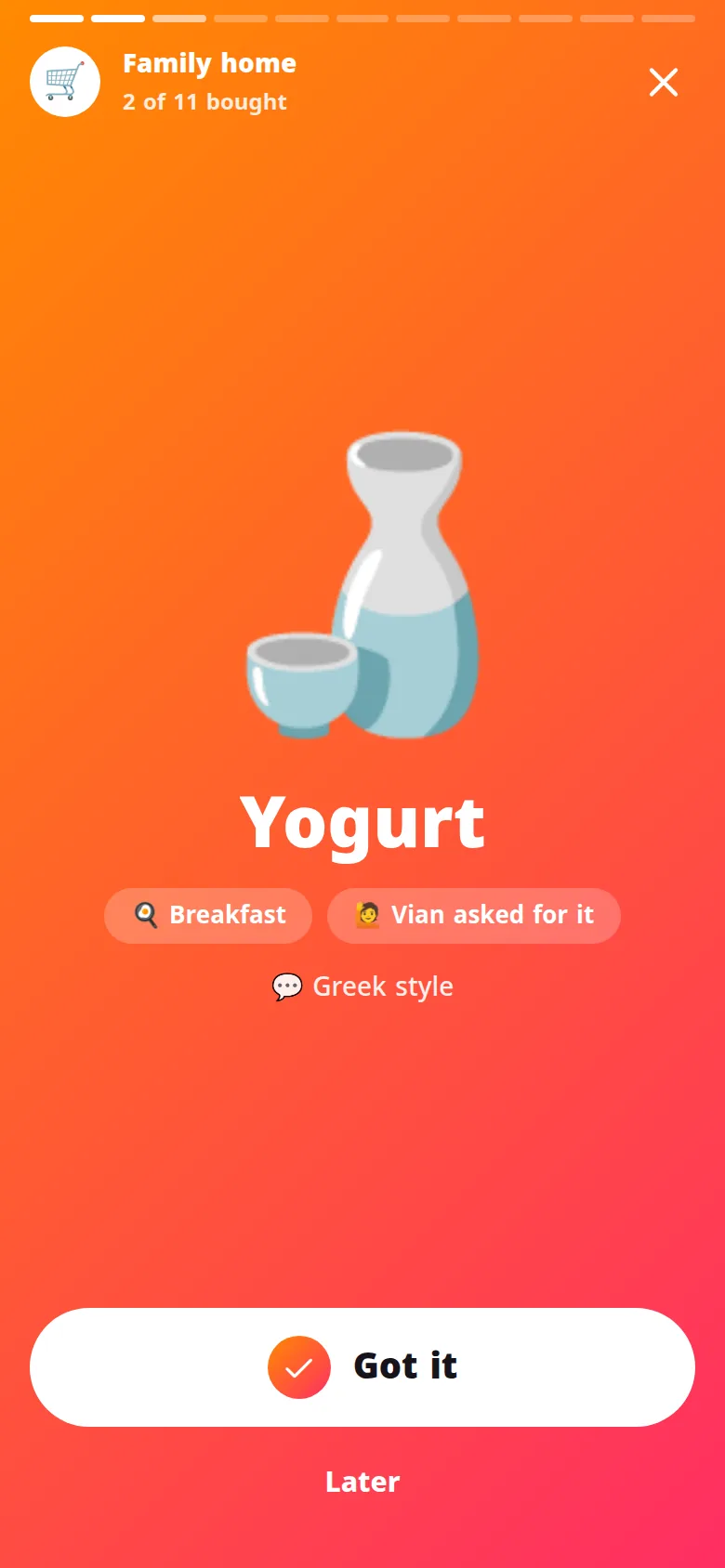
Market mode walks you aisle by aisle, full screen. Tap Got it and the next item comes up. Out of stock? Push it to later.
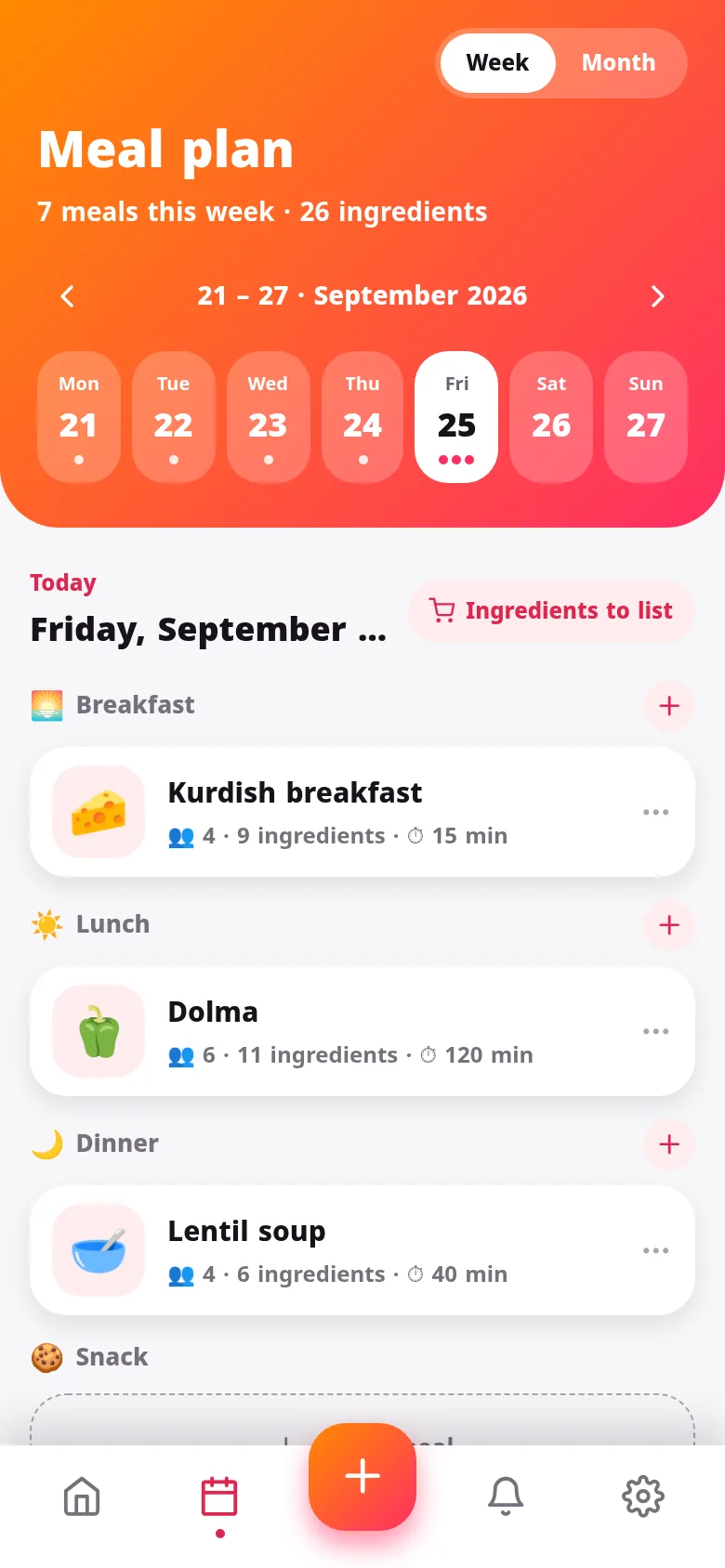
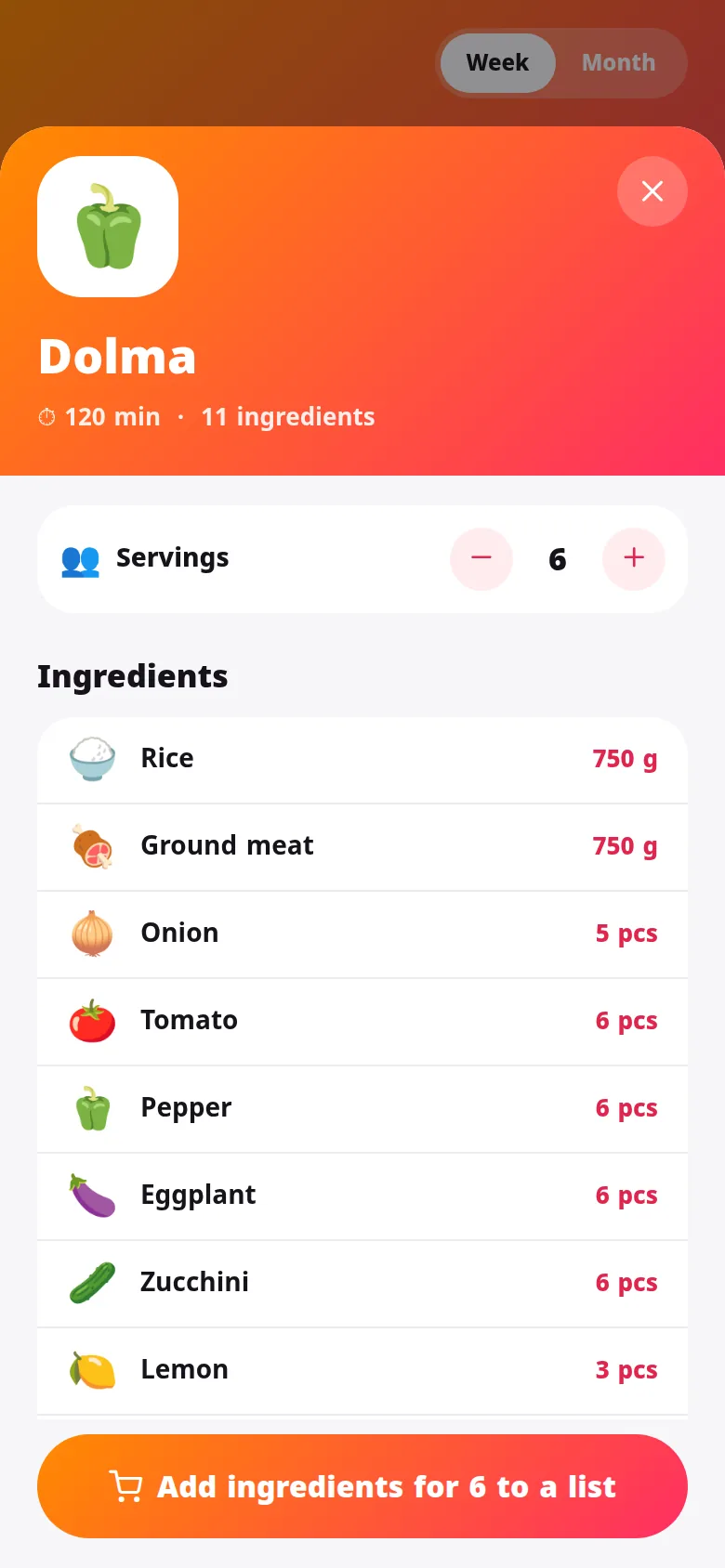
Pick dishes for each day — dolma, qeema, kebab and more — set how many people are eating, and the whole week's ingredients go on your list in the right amounts. Every dish comes with its recipe.
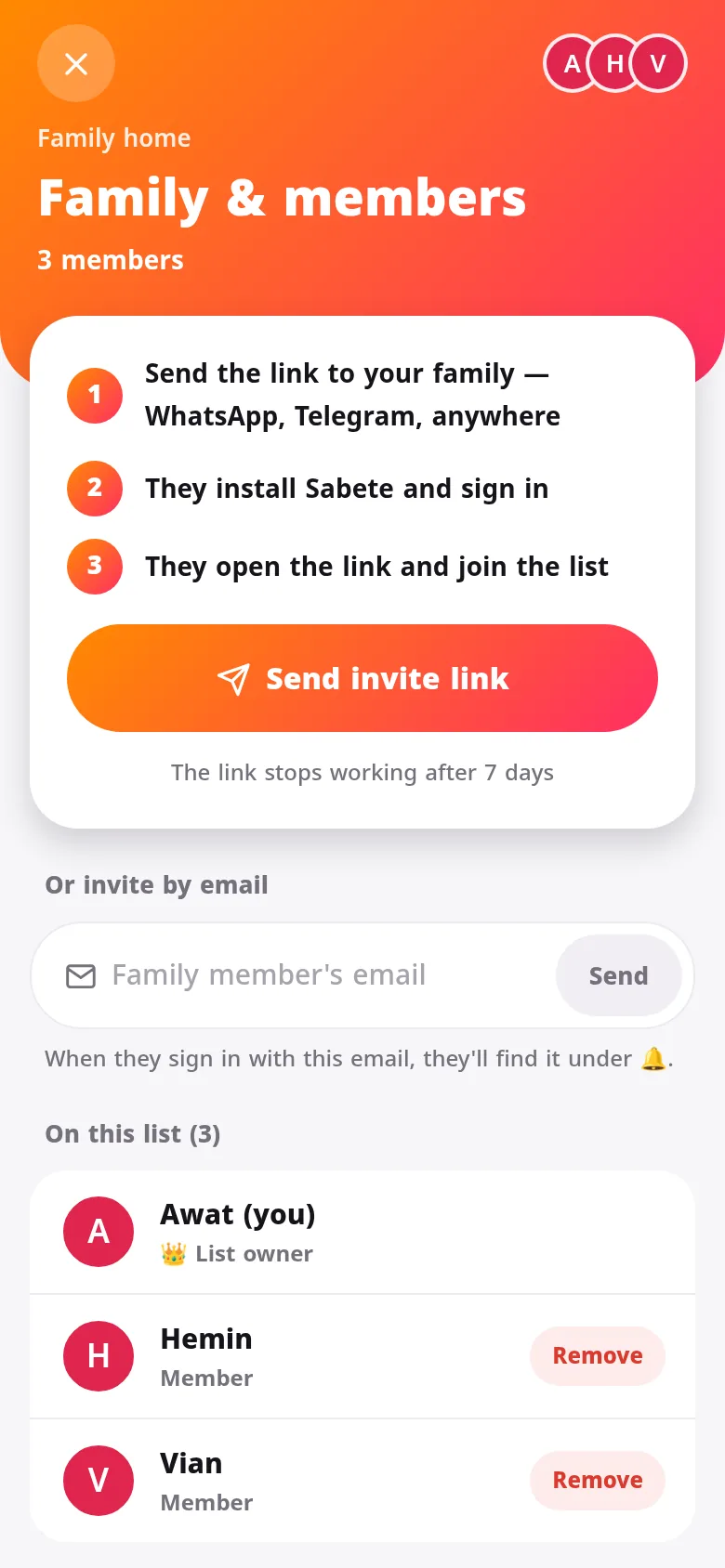
Send an invite link to WhatsApp or Telegram. They see whose list it is before they join, you decide who stays, and you can switch the link off at any time.
Say “milk, eggs and two kilos of rice” and it splits them up.
Add and tick items without internet. Shared lists catch up when you're back.
Note what things cost and see roughly what this trip will come to.
Kurdish, Arabic, English, Turkish, Persian, French, German and Spanish, with right-to-left done properly.
Sunset, berry, lemon and ocean, in light or dark.
Hear when the family adds or buys something, bundled so twenty items is one ping.
Yes, Sabata is free to download and use. An optional Premium subscription adds extras, and you can cancel it in Google Play at any time.
Everyone who wants to see and edit the list in real time installs Sabata and signs in. You can also send any list as a plain text message to someone without the app.
Only the people you invite. Lists you don't share, and your meal plan, never leave your phone. We don't show ads or sell data. Read the privacy policy.
Yes. You can add and tick items offline; shared lists catch up as soon as you're back online.
In the app, open your profile and tap Delete account. Or see how to delete your account.
Make the list tonight. Tomorrow, whoever passes the shop brings home the right things.
Download on Google Play